Lumos Helmet Sale Guide: How to Save on Smart Bike Helmets
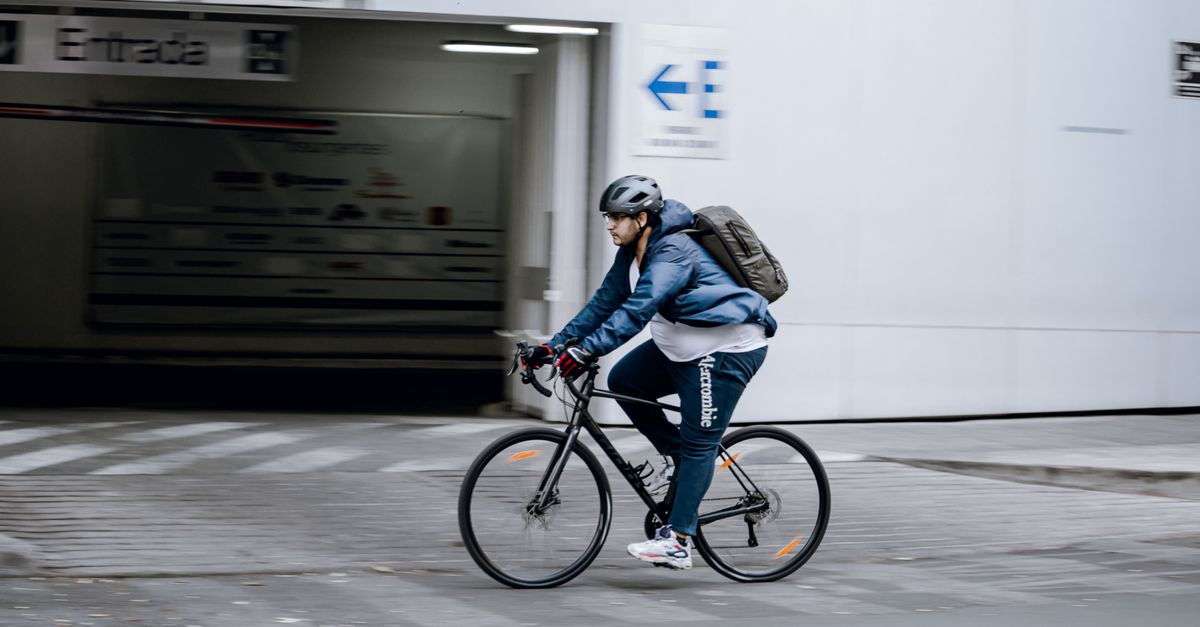
City cycling's biggest danger is invisibility. Lumos helmets attack it with integrated LED lighting: 360° visibility, automatic brake-light flashing when you slow, and turn signals triggered from a wireless handlebar remote. The flagship Ultra adds an optional MIPS rotational-impact liner, CPSC safety certification, a 10-hour USB-C rechargeable battery, and a companion app with Team Sync for group rides. It's premium over a basic helmet — you're buying lights and a helmet in one.
How to Save on Lumos
1. Decide on MIPS first
MIPS adds rotational-impact protection at a premium. If you ride daily in traffic, it's worth it; for occasional park paths, the standard model saves money without giving up the lights.
2. Watch holiday promos
Lumos discounts cluster around the holidays — the most reliable window for a price drop on premium helmets.
3. Compare against helmet + lights
A quality MIPS helmet plus good rechargeable lights often costs as much as a Lumos. Do that math before calling it expensive.
4. Check the certifications
CPSC certification is non-negotiable for US riding — Lumos has it. Never trade safety certs for a cheaper no-name smart helmet.

What to Know Before You Buy
Fit matters more than features: measure your head and check the size chart — a loose smart helmet is just an expensive hat. Battery life is around 10 hours; charge habits matter if you commute daily. And the turn-signal remote needs handlebar space, so check your cockpit setup.
Shop Lumos helmet deals here — look for holiday pricing.
More From Accessories
Related Posts

Shani Darden Sale Guide: How to Save on Luxury Skincare

Bather Sale Guide: How to Save on Men's Swim Trunks